mapplight.com / Guides / Christmas house projection
Christmas house projection: snow, candles and a show every night
Updated 6 November 2026 · 4 minute read
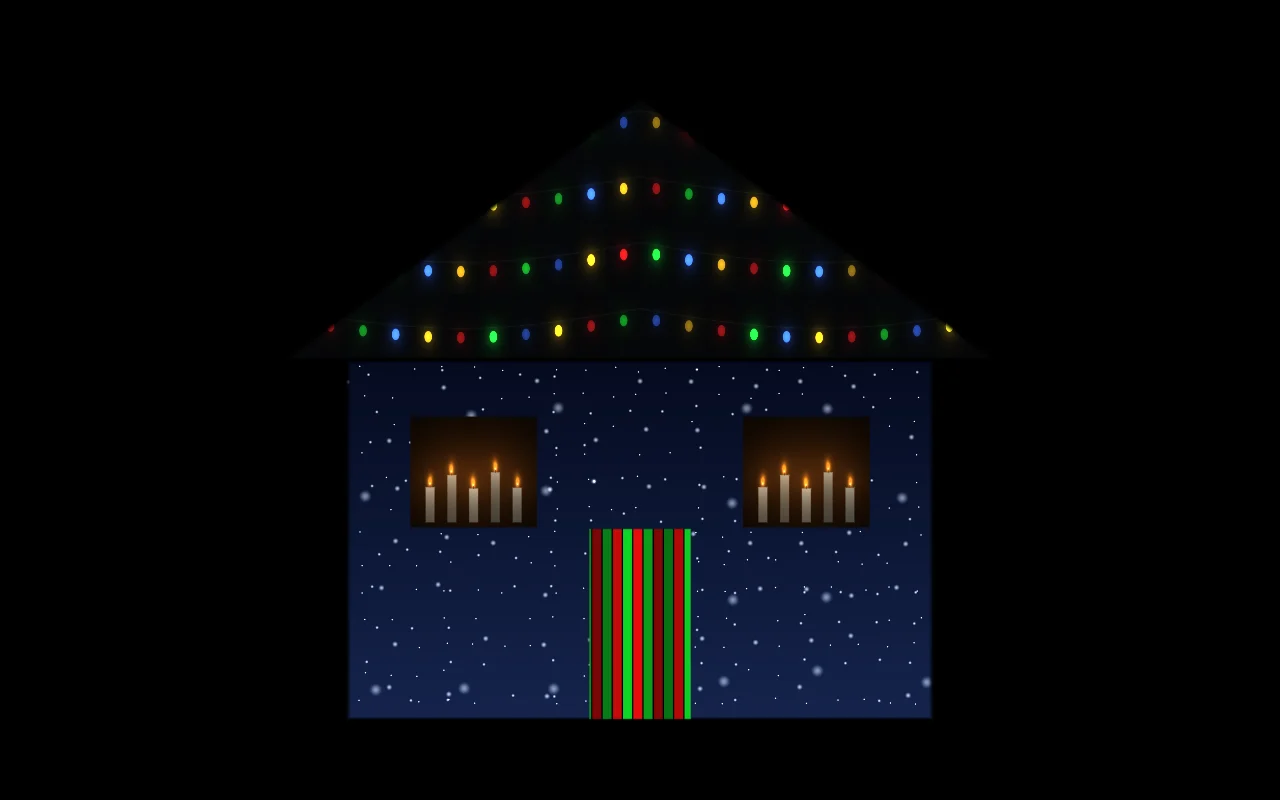
Christmas lights take a weekend on a ladder. A projector takes an evening on the lawn, and it can do things bulbs can't: snow falling down the walls, candles in every window, a rolling string-light chase along the roof and a New Year's countdown a week later, all from one box. Here is how to plan it.
1. Projector vs lights
| String lights | Projection mapping | |
|---|---|---|
| Setup | Ladders, clips and hours on the roof | One projector on the lawn; an evening of mapping |
| Animation | Chases and twinkles, or a controller and a lot of wiring | Snow, candles, ornaments, villages, synced to music |
| Change the theme | Take everything down | Switch the look: Christmas, New Year, Valentine's |
| Daytime | Visible cables and bulbs | Nothing on the house |
| Best for | Bright sparkle up close, trees and bushes | Walls, windows, doors, garage doors |
The two work well together: lights on the trees and bushes, projection on the house itself.
2. What goes where
| Surface | Visual | Plan |
|---|---|---|
| Walls | Snowfall, Blizzard | Snowfall and Blizzard free, Village Pro |
| Roof line | String lights, Red & green chase | Free |
| Windows | Candlelight | Candlelight free, Tree and Frost Pro |
| Door | Candy cane | Candy cane free, Gift wrap and Ornaments Pro |
| Garage door | Snowfall, String lights | Pro |
Start with the House front template, which already has walls, roof, door and two windows sharing corners. Map it once in early December and keep the projector in the same place for the whole season.
3. The tree, the garage and the yard
- Garage door: one big flat surface, perfect for a snowy village or a festive scene. Use the Garage door template.
- A cone or a flat tree made of white board or a white fabric cone: the Tree / cone template maps a triangle and a star on top.
- Gift boxes wrapped in white paper on the porch: map each with the Cube / box template and play Candy cane.
- Inside windows: hang a sheet behind the glass and project from inside. See the window setup.
4. Running it all season
- Brightness: 2,000–4,000 ANSI lumens for a house front on a dark street. See the projector buying guide.
- Weather: projectors are not waterproof. Use a ventilated enclosure, a porch, the garage or a car parked facing the house. Watch for condensation on cold nights.
- Power: an outdoor-rated extension cord into a socket protected by a GFCI / RCD.
- Automation: save a few looks and turn on auto-cycle so the show changes every 20–40 seconds. Keep the computer awake while plugged in.
- If the mapping drifts after wind or a bump, turn on the calibration grid (G) and nudge the corners back.
- Neighbours: keep it out of their windows and drivers' eyes, and finish at a sensible hour.
5. Switching to New Year
On December 31, keep the mapping and switch the content: Fireworks on the walls, Confetti in the windows, a Beat pulse on the door, a Neon edge chase on the roof line. Turn on music sync and the fireworks hit with the party playlist. After that, the same mapping is ready for Valentine's, spring and next Halloween.
FAQ
What is the best way to project Christmas images on my house?
Put a 2,000 to 4,000 lumen projector on a stable stand in front of the house, connect a laptop or phone, and use projection mapping software to give each wall, window and door its own visual. Mapping looks much better than one video thrown over the whole front.
Is a Christmas projector better than lights?
It is faster to set up, animates far more and changes theme with one click. Lights are brighter up close and better on trees and bushes. Many people use both.
Are the Christmas visuals free?
Snowfall, String lights, Candy cane, Red & green chase, Blizzard and Candlelight are free with no watermark. Snowy village, Gold stars, Gift wrap, Christmas tree, Snowflakes, Ornaments and Frost are Pro ($9.99 for a 90-day Season Pass, one-time, or $49 for life).
Can the show play by itself every night?
Yes. Save several looks, turn on auto-cycle and keep the device awake and plugged in. Your project is saved in the browser, so it reopens exactly as you left it.
Can I add music?
Yes. With music sync on, visuals react to sound from the device's microphone, so a speaker playing carols or a soundtrack drives the show.
Keep reading
House projection guide
A practical guide to projecting on your house for Christmas or Halloween: how many lumens you need, throw distance, where to put the projector, step-by-step mapping, and troubleshooting.
Halloween house projection
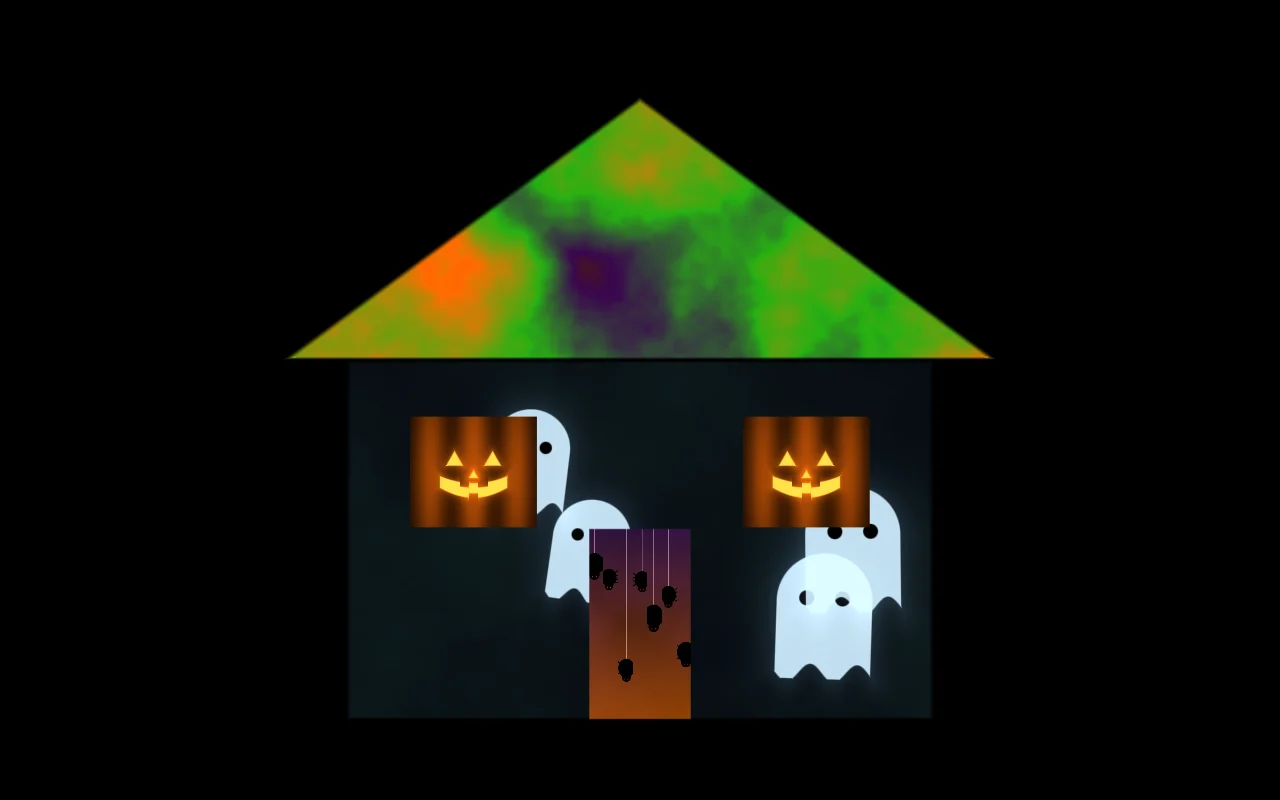
Ideas and setup for Halloween projection on your house: ghost windows, a haunted facade, which visuals scare from the street, and a timeline so it is ready by October 31.
Best projector for projection mapping
How to choose a projector for projection mapping: real ANSI lumens for each job, throw ratio and distance, laser vs lamp, inputs, and what to buy at each budget.