mapplight.com / Guides / Projection mapping for beginners
Projection mapping for beginners
Updated 6 November 2026 · 5 minute read
Projection mapping is the trick behind light shows on cathedrals, stage sets that change before your eyes and houses that come alive at Halloween. It sounds technical, but the idea is simple, and your first project needs nothing more than a projector you may already own and a browser.
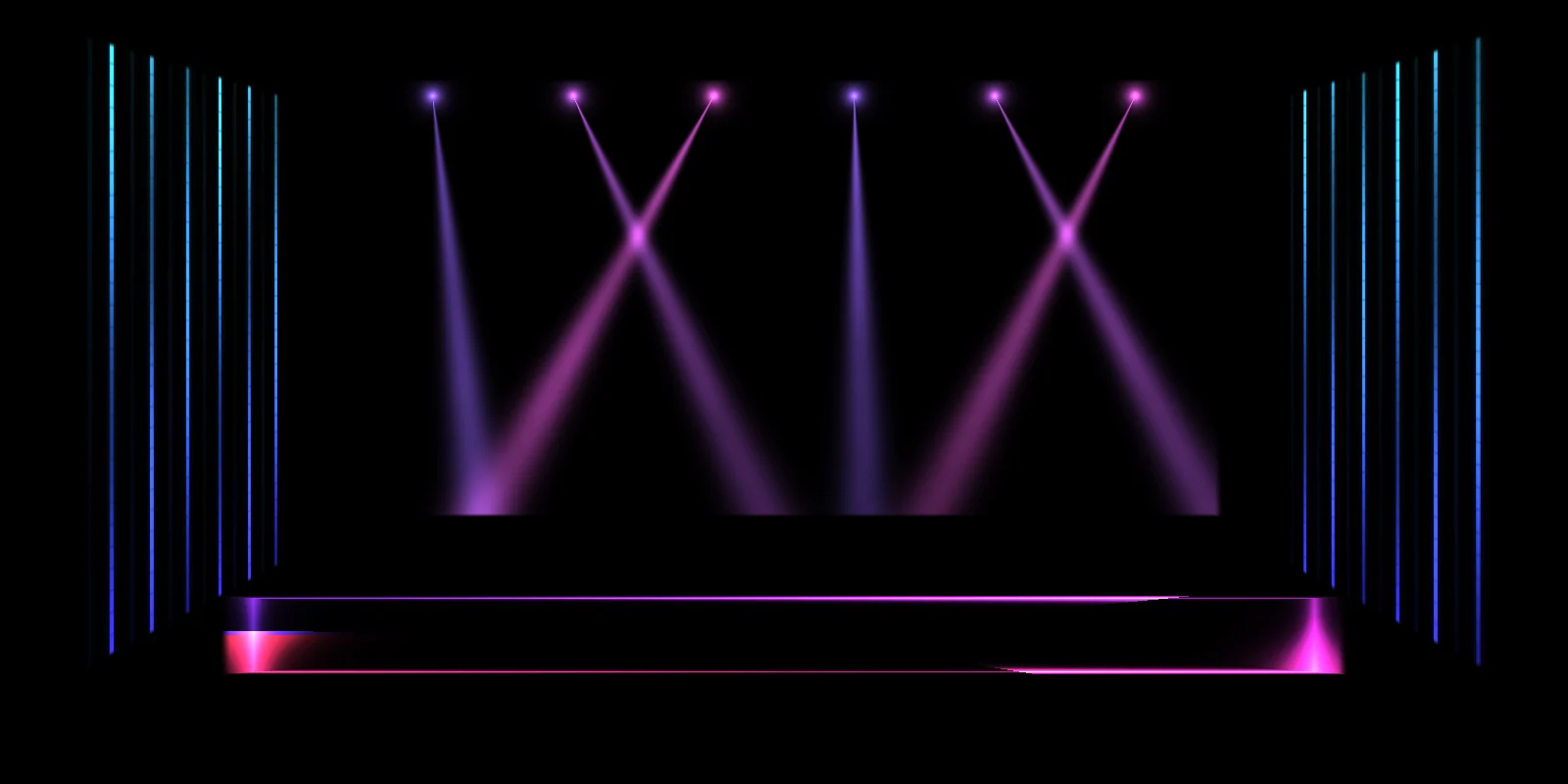
1. What projection mapping is
A normal projector throws one rectangle of light at a flat screen. Projection mapping (also called video mapping or spatial augmented reality) shapes that light to fit real objects: each surface of a building, a stage set, a box or a cake gets its own picture, cut and warped to its exact outline. Everything outside those shapes stays black, so the objects themselves seem to glow, move or change.
It is used for building facades at light festivals, theatre and concert stages, museum exhibits, product launches, shop windows, weddings, and more and more by families on their own houses for Christmas and Halloween.
2. How it works
- Aim a projector at the thing you want to light, so the picture covers all of it.
- Trace: in the mapping software, you draw shapes (usually four-corner quads, plus circles and triangles) and drag their corners onto the real edges of each surface, while watching the result on the object.
- Warp: the software bends each picture to fit its shape with the correct perspective, so a square of video fits a slanted roof or a tilted flat.
- Fill each shape with content: an animated visual, a video, an image, a colour.
- Play the show: switch between sets of content (looks) by hand, on a timer, or in time with music.
3. What you need
- A projector with HDMI. For a first test indoors, any projector works, even an old office one. For bigger surfaces, read the projector buying guide.
- A computer, phone or tablet to run the mapping software. mapplight.com runs in the browser on Windows, Mac, Linux, ChromeOS, Android, iPhone and iPad.
- A cable or adapter: HDMI from a laptop, or USB-C / Lightning to HDMI from a phone or tablet.
- Something to project on: light and matte is best. A white box, a wall with a picture frame, a window with a sheet behind it.
- Darkness. Projection only adds light; the darker the room or street, the better it looks.
4. Your first project: one window, one evening
The easiest first project is a window seen from outside, or a few boxes stacked on a table. Here is the window version:
- Hang a white sheet or shower curtain tight against the inside of a window.
- Put the projector inside the room, behind the sheet, and turn on its rear projection mode so the picture isn't mirrored from outside.
- Open the app with the Window template. It creates the panes of a window that move together.
- Connect the projector as a second screen, click Projector and make the window full screen on the projector (on a phone, tap Go live).
- Turn on the calibration grid and drag the corners onto the real panes. Look at the window, not your screen.
- Turn the grid off and pick visuals: Candlelight, Ghosts, Snowfall or String lights.
- Go outside and look. Adjust brightness and edge softness until it looks like light coming from inside.
Once that works, the same steps scale up: a stage with the Stage template, a room with the Room corner template, a house front with the House front template. The house guide, stage guide and wedding cake guide walk through each one.
5. Words you will hear
| Term | Meaning |
|---|---|
| Surface / shape / slice | One area you map, with its own content |
| Quad | A four-corner shape that can be warped into any four-sided outline |
| Corner pinning | Dragging the corners of a quad onto real edges |
| Mask | The shape that cuts the content, so light only falls where you want it |
| Mesh warp | A grid of control points for bending content onto curved surfaces |
| Keystone | The projector's own trapezoid correction. Turn it off when mapping |
| Throw ratio | How far the projector stands for a given picture width |
| ANSI lumens | The honest, measured brightness of a projector |
| Look / cue / scene | A saved set of content for every surface, which you switch between |
| Edge blending | Overlapping several projectors seamlessly for very large surfaces |
6. Beginner mistakes
- Leaving keystone correction on. It fights the mapping and softens the picture.
- A wobbly projector. If it can move, the mapping will slide off. Fix it firmly before you map.
- Mapping while looking at the screen. Watch the real object while you drag corners.
- Bright full-frame content. Dark backgrounds make objects glow; bright fills just look like a projector.
- Too many changes. Swapping looks every few seconds feels like a screensaver. Let each one breathe for 20–40 seconds.
- Trusting "lumens" on cheap projectors. Only ANSI or ISO figures mean anything.
7. Where to go next
- Make it react to music: turn on music sync so visuals pulse with the beat from the microphone, or tap the tempo.
- Use your own content: import videos and images and put them on any surface.
- Build a show: save several looks and set auto-cycle to change them every few seconds or every few bars.
- Go bigger: a facade, a festival, several projectors. See building projection mapping and the software comparison for when to move to pro tools.
FAQ
Is projection mapping hard to learn?
The basics take an evening: aim the projector, trace the surfaces, pick content. Professional facade shows with several projectors and custom 3D animation take much longer to learn, but you don't need any of that to start.
Do I need a special projector for projection mapping?
No. Any projector with an HDMI input works. Brightness, measured in ANSI lumens, decides how big a surface you can light and how much ambient light it can handle.
Can I do projection mapping on a phone?
Yes. mapplight.com runs in the phone's browser. Connect it to the projector with an HDMI adapter or screen mirroring and tap Go live.
Do I need to make my own animations?
No. mapplight.com has 108 built-in animated visuals, all free. You can also import your own videos and images.
How much does it cost to start?
The software can be free and many people already have a projector. A good first projector for a room or a window costs $300 to $800; for a house front or a stage, plan $500 to $1,500, or rent one for a single event.
Keep reading
Best projector for projection mapping
How to choose a projector for projection mapping: real ANSI lumens for each job, throw ratio and distance, laser vs lamp, inputs, and what to buy at each budget.
Free projection mapping software
The free options for projection mapping in 2026, what each one limits, and how to map a stage, a room or a house front for free in your browser with no watermark.
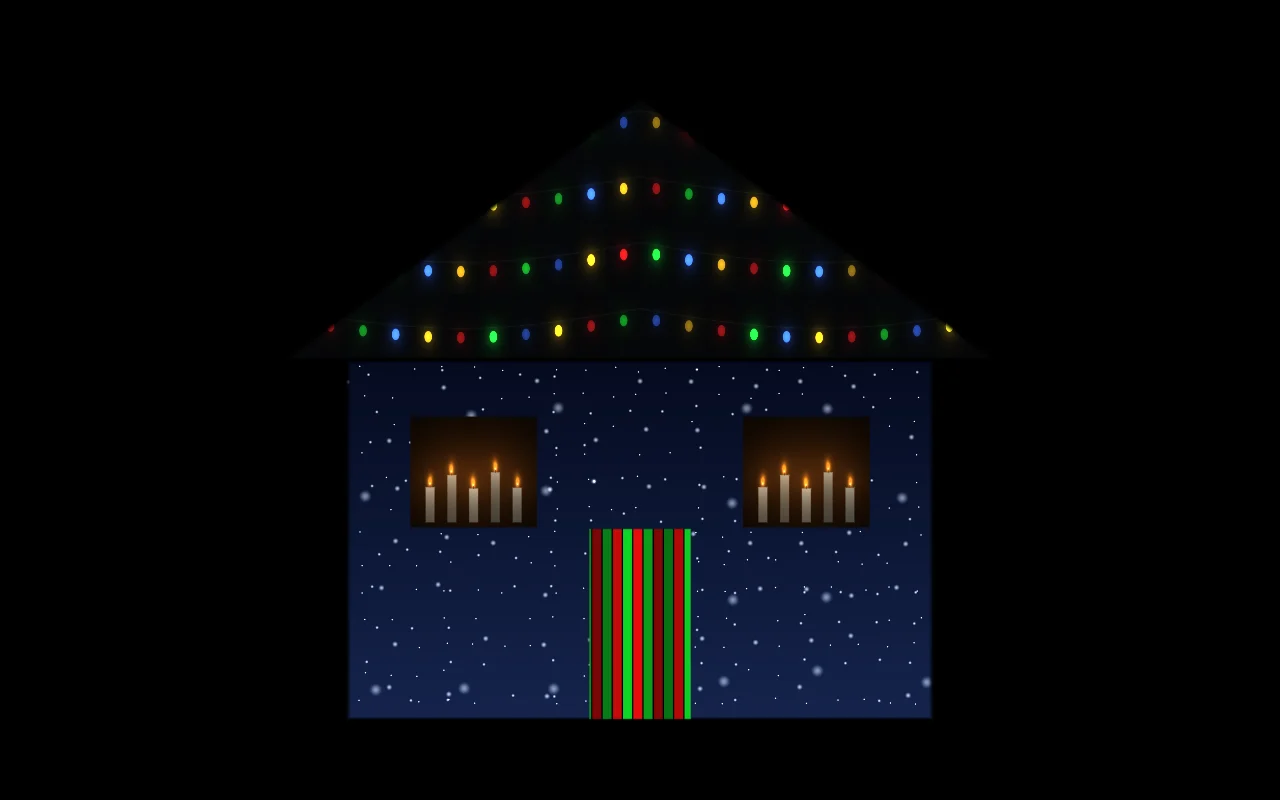
House projection guide
A practical guide to projecting on your house for Christmas or Halloween: how many lumens you need, throw distance, where to put the projector, step-by-step mapping, and troubleshooting.