mapplight.com / Guides / Halloween house projection
Halloween house projection: ghosts in the windows, pumpkins on the door
Updated 6 November 2026 · 4 minute read
A projector turns a house into the scariest one on the street for less than the cost of a big inflatable, and it packs away in a shoebox on November 1st. This page is the Halloween playbook: ideas that work from the pavement, which visuals to put where, and a timeline so the show is ready on October 31.
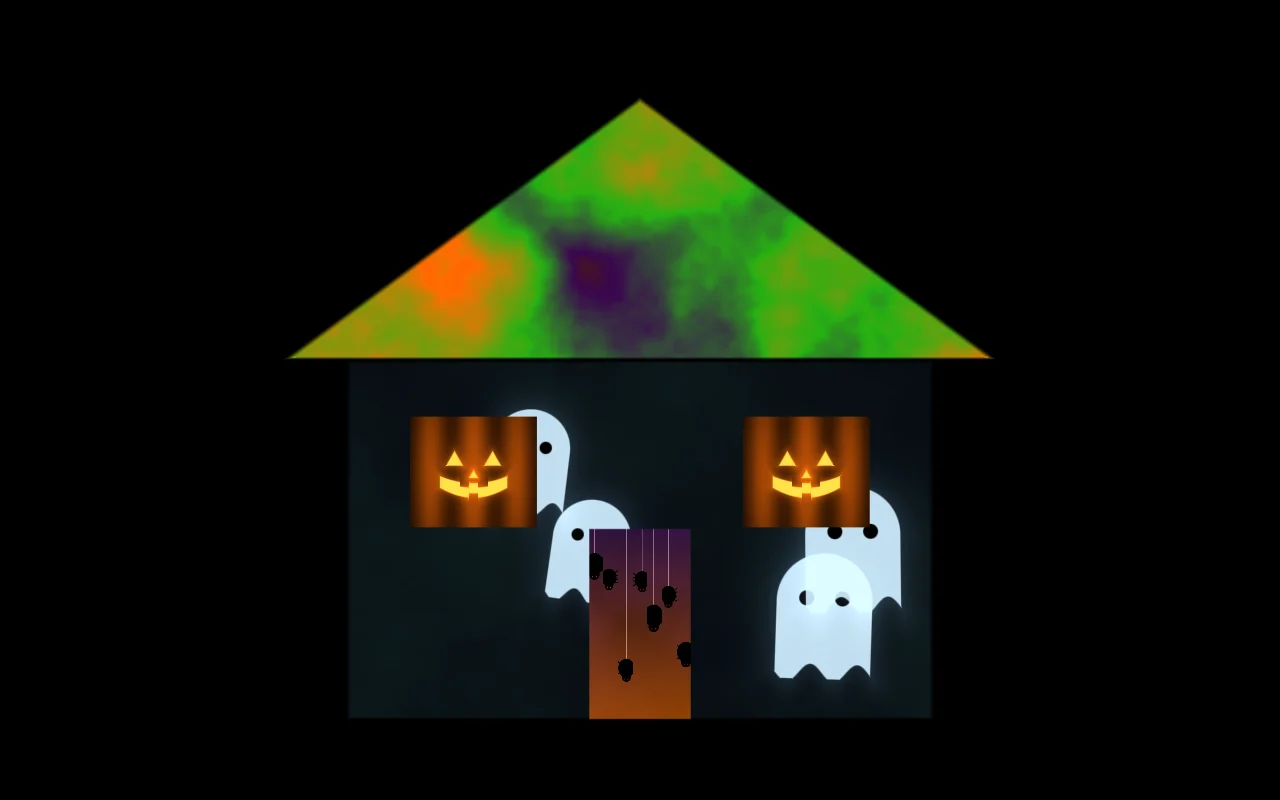
1. Ideas that work from the street
- Ghosts drifting across the walls: the classic, and it reads from far away.
- A face in every window: a jack-o'-lantern or eyes in the dark in each pane.
- Spiders on the door and webs in the corners of the porch.
- A lightning storm flashing across the roof, synced to thunder from a speaker.
- Fog rolling at ground level along the bottom of the walls, real fog machine optional.
- A haunted TV in the garage door: static, glitches and something trying to get out.
- Glowing pumpkins: real carved pumpkins or white foam pumpkins on the steps, each mapped with the Round objects template.
2. What goes where
| Surface | Visual | Plan |
|---|---|---|
| Walls | Ghosts, Wall monster | Ghosts free, Fog Pro |
| Roof line | Halloween colours | Halloween colours free, Lightning Pro |
| Windows | Jack-o'-lantern | Jack-o'-lantern free, Eyes Pro |
| Door | Ghosts, Halloween colours | Pro |
| Garage door | Wall monster | Pro |
| Pumpkins on the steps | Jack-o'-lantern | Jack-o'-lantern free, Fire Pro |
Add the House front template for walls, roof, door and two windows, the Garage door template for the garage, and Round objects for pumpkins. Save the whole set as a look called "Halloween", and build a second, scarier look for after the little kids have gone to bed.
3. Haunted windows from inside
If you can't put a projector outside, project from inside onto a white sheet or rear-projection film against the glass. One modest projector per window is enough, and the effect is uncanny: a figure pacing behind the curtain, eyes blinking, a face pressed to the glass. Turn on the projector's rear projection mode so it isn't mirrored from the street, and use the Window template. The house guide has the full setup.
4. Sound and scares
- Music sync: turn it on and visuals react to sound picked up by the device's microphone. Put a speaker near the door playing thunder or a soundtrack, and the lightning and pulses follow it.
- Jump scares: map a surface by the door with a dark look, then switch to a bright one on cue with a number key. Use this kindly: small children trick-or-treat too.
- Blackout (B) gives you an instant "lights out" for a dramatic moment.
5. Timeline to October 31
| When | What |
|---|---|
| August–September | Pick and buy or rent a projector (see the buying guide), plan where it can stand, order a weatherproof enclosure |
| Early October | First test night: map the house, choose visuals, save looks |
| Mid October | Run the show every evening; neighbours love a long season. Fix the stand, cables and power for good |
| October 31 | Switch to the scary look after dark, auto-cycle between looks, and enjoy it |
| November 1 | Keep the mapping. Swap the Halloween look for a Christmas one: same house, new content |
6. On the night
- Keep the walkway clear of cables and the projector out of reach of curious hands.
- Make sure the beam doesn't dazzle drivers or shine into neighbours' windows.
- Set the computer never to sleep while plugged in.
- Pick a finishing time and stick to it.
FAQ
What do I need to project Halloween images on my house?
A projector with HDMI (2,000 to 4,000 ANSI lumens for a house front on a dark street), a laptop, phone or tablet, an outdoor-rated extension cord and a stable stand. Mapping software lets each window, wall and door show a different scene.
Can I project Halloween ghosts onto a window?
Yes. Hang a white sheet or rear-projection film inside the window, put the projector behind it in rear-projection mode, and map the panes with the Window template. Ghosts work well.
Are the Halloween visuals free?
Ghosts, Halloween colours and Jack-o'-lantern are free with no watermark. Spooky fog, Lightning storm, Bats & moon, Spider web, Eyes in the dark, Blood drip, Creepy crawlers and Haunted static are Pro ($9.99 for a 90-day Season Pass, or $49 once for life).
Can I use my own Halloween videos?
Yes. Import MP4, WebM, JPG or PNG files and put them on any surface. Videos with a black background blend best.
Will it work in the rain?
The projector must stay dry. Use a weatherproof enclosure, project from under a porch or a garage, or from inside through a window.
Keep reading
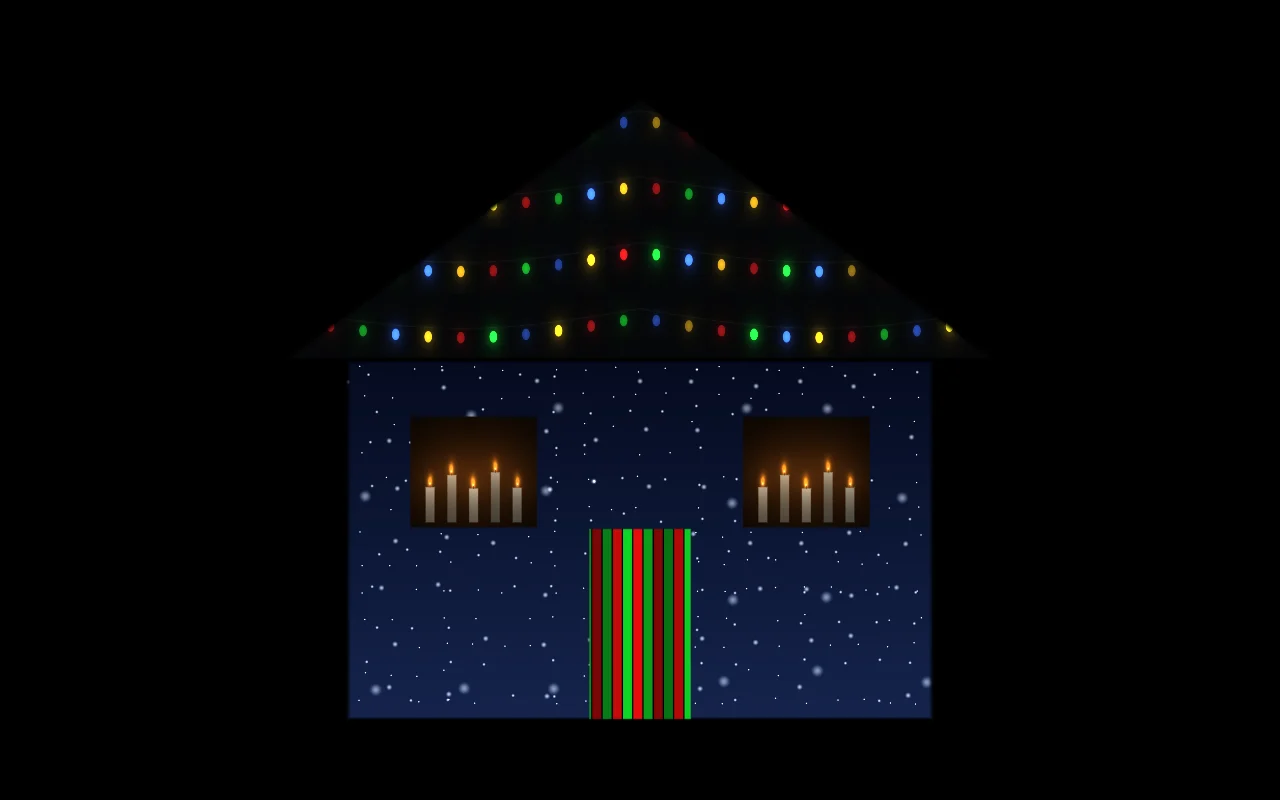
House projection guide
A practical guide to projecting on your house for Christmas or Halloween: how many lumens you need, throw distance, where to put the projector, step-by-step mapping, and troubleshooting.
Christmas house projection
Christmas projection on your house: projector vs lights, mapping snow, candles and string lights onto the walls and windows, running it all season, and a New Year switch.
Best projector for projection mapping
How to choose a projector for projection mapping: real ANSI lumens for each job, throw ratio and distance, laser vs lamp, inputs, and what to buy at each budget.